
Introduction
If you are a regular highway traveler, waiting at toll plazas and paying cash can be time-consuming and tiring. To make road travel smoother and faster, SBI FASTag offers a convenient digital solution for automatic toll payment. It saves your time, fuel, and money — all while making your journey hassle-free.
Let’s understand what SBI FASTag is, its benefits, fees, usage tips, and important updates.
What is SBI FASTag?
SBI FASTag is a prepaid tag based on Radio Frequency Identification (RFID) technology. It allows toll payments to be made directly from your linked prepaid or savings account.
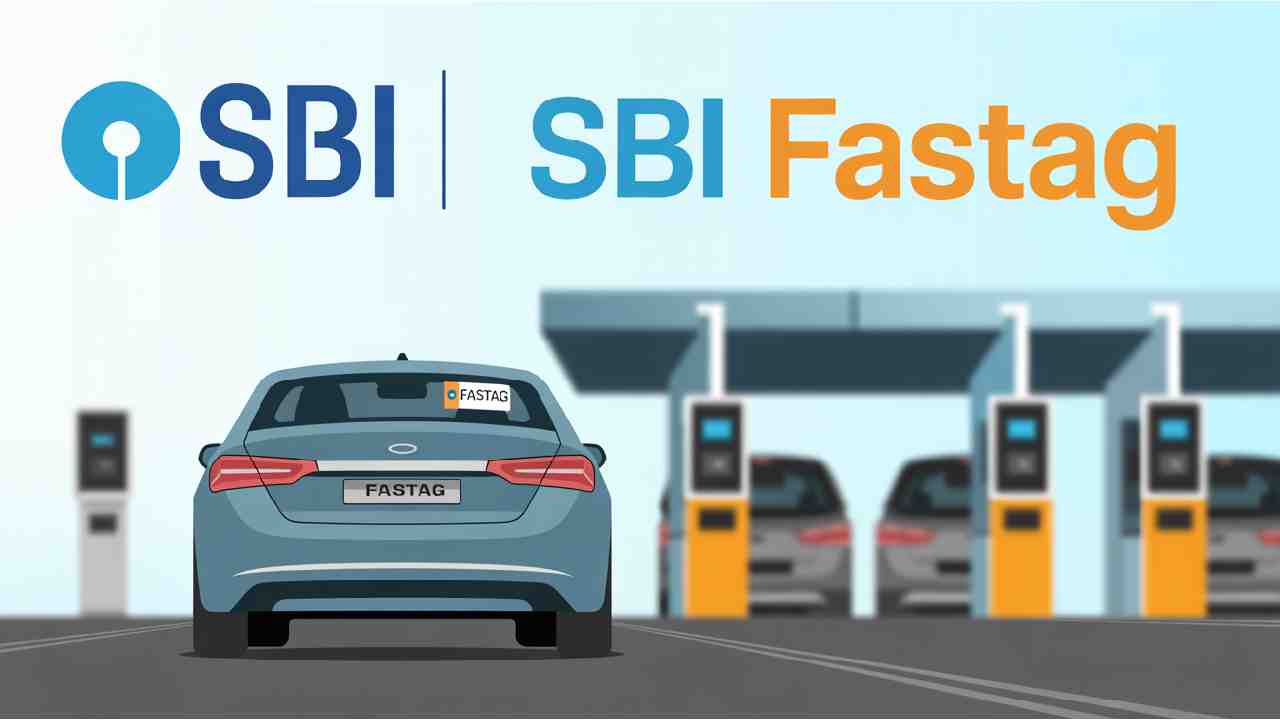
Once you stick the FASTag on your vehicle’s windscreen, you can pass through toll plazas without stopping for cash payments. The toll amount gets automatically deducted from your account when your vehicle crosses the toll lane equipped with RFID readers.
You can buy SBI FASTag from authorized tag issuers or through the official portal – https://fastag.sbi.bank.in/.
If your FASTag is linked to a prepaid account, you will need to recharge or top-up it as per your travel needs.
Key Benefits of SBI FASTag
- Save Time and Fuel
No more waiting in long queues at toll plazas. FASTag enables automatic toll payments, saving both time and fuel. - Easy Recharge
You can easily recharge your SBI FASTag online using credit/debit cards, net banking, or digital wallets. Offline recharge is also available through authorized SBI service providers across India. - User-Friendly Portal
Through the SBI FASTag customer portal, you can:
- Check your account balance
- View transaction and toll payment history
- Recharge your tag anytime, anywhere
- Check your account balance
- Visit: https://fastag.sbi.bank.in/
- Simple Customer Support
For any complaints or issues, you can lodge a request through:
https://crcf.bank.sbi/
Or call the SBI FASTag Helpline at 1800 11 0018.
SBI FASTag Fees and Charges
| Vehicle Class | Vehicle Type | Tag Cost (₹) | Refundable Security (₹) | Minimum Balance (₹) | Total (₹) |
| 4 | Car / Jeep / Van / Tata Ace | 100 | 200 | 100 | 400 |
| 5 | Light Commercial Vehicle | 100 | 300 | 300 | 700 |
| 6 | Three Axle Commercial Vehicle | 100 | 300 | 300 | 700 |
| 7 | Bus / Truck | 100 | 300 | 300 | 700 |
| 12 | 4 to 6 Axle Vehicles | 100 | 300 | 300 | 700 |
| 15 | 7 or More Axle Vehicles | 100 | 300 | 300 | 700 |
| 16 | Heavy Construction Machinery / Earth Moving Equipment | 100 | 300 | 300 | 700 |
Note:
- The minimum balance is the initial recharge needed during activation.
- The security deposit varies by vehicle type and is refundable when you close the FASTag account.
Do’s and Don’ts for SBI FASTag Users
Do’s
- Ensure the windshield is clean and dry before pasting the FASTag.
- If there’s a UV protection film, remove it from the area where you plan to stick the FASTag.
- Convert your limited KYC account to full KYC within 24 months.
- Always maintain adequate balance in your FASTag account.
- Drive slowly and keep safe distance (about 10 feet) from the vehicle ahead when approaching a toll plaza.
- If a toll payment fails, upload your toll receipt on the customer portal to request a refund.
- Always verify your toll transactions online after your trip.
- Lodge any complaint within 30 days of the transaction.
- For toll issues, call 1033 or 1800 11 0018.
Don’ts
- Do not paste the tag on UV protection film.
- Avoid pressing too hard while sticking it; it may damage the chip.
- Do not peel and re-stick the tag once applied.
- Avoid using chemicals on the FASTag area during cleaning.
- Do not share your login password with anyone.
- Maintain proper distance; do not follow vehicles too closely at toll gates.
Important Update for SBI FASTag Customers
SBI has shared some key updates to ensure smooth FASTag operations:
- Only the most recent FASTag issued for your vehicle will be considered active.
- Tags that are hotlisted or blacklisted will not be updated or reactivated.
- If a Paytm FASTag was previously blacklisted, SBI will ignore it and allow you to update a new one.
- In case of multiple tags for the same vehicle, the one with the oldest timestamp may be automatically closed under the Forceful Tag Closure (FTC) system.
- Tags with low balance will automatically close after the 15th day of non-recharge.
- A new FASTag will only be issued if there is one active tag on the vehicle.
These steps aim to reduce duplicate tags and improve toll payment efficiency across the system.
How to Get an SBI FASTag
You can apply for SBI FASTag easily by following these steps:
- Visit the official portal: https://fastag.sbi.bank.in/
- Register your vehicle and fill in the required details.
- Upload KYC documents (Aadhaar, RC copy, etc.).
- Pay the applicable fees and recharge amount.
- Once approved, your FASTag will be delivered and activated.
Conclusion
SBI FASTag is an essential tool for every modern vehicle owner who travels on national highways. It ensures a seamless toll payment experience, promotes digital transactions, and helps you avoid long queues.
With simple recharge options, transparent charges, and dedicated support, SBI FASTag is your smart travel companion on the road.
So, if you haven’t got your SBI FASTag yet, visit https://fastag.sbi.bank.in/ today and make your highway journeys smoother, faster, and stress-free!