
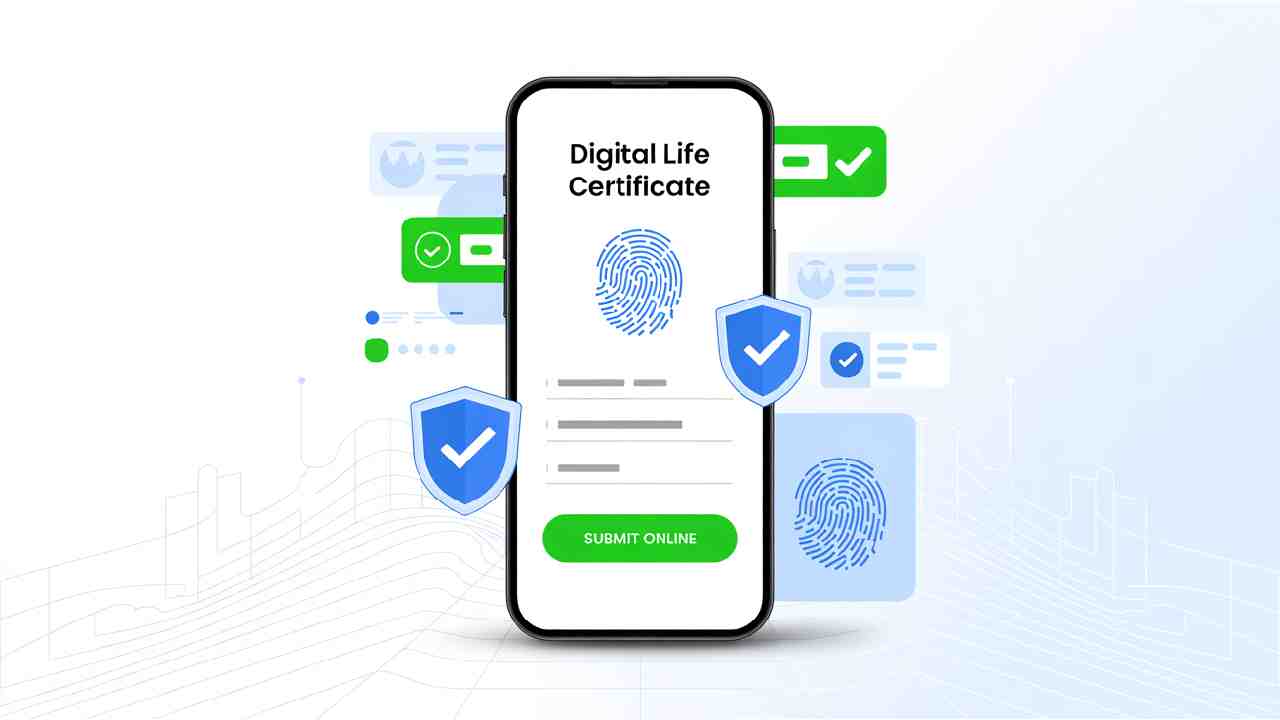
What is Jeevan Pramaan?
Jeevan Pramaan is an Aadhaar-based Digital Life Certificate (DLC) service launched by the Government of India on 10th November 2014.
It allows pensioners to submit their life certificate digitally, without visiting the pension disbursing bank or office in person.
Earlier, pensioners had to physically visit banks or post offices every year to prove they are alive, so their pension continues. This process was difficult, especially for senior citizens, defence personnel, and those living away from their original place of employment.
Jeevan Pramaan solves this problem by making the process completely digital, quick, and hassle-free.
Why is the Life Certificate Important?
Every pensioner must submit a Life Certificate once a year to continue receiving their pension.
This certificate confirms that the pensioner is alive. Without it, the pension payment may stop until verification is done.
Now, thanks to Jeevan Pramaan, this verification can be done anytime and anywhere using Aadhaar-based biometric authentication.
How Jeevan Pramaan Works
Jeevan Pramaan uses Aadhaar authentication to verify a pensioner’s identity. Once verified, a Digital Life Certificate is generated online with a unique ID called Pramaan ID.
This certificate is automatically sent to the Pension Disbursing Agency (bank/post office), ensuring the pension continues without interruption.
The pensioner also receives an SMS with the transaction ID and can download the certificate anytime from
https://jeevanpramaan.gov.in.
Modes of Submitting Life Certificate
You can submit your Life Certificate or Digital Life Certificate (DLC) in multiple ways.
At Any SBI Branch (Manual or Digital Submission)
Manual (Physical) Submission:
You can submit a physical life certificate form at any SBI branch.
Digital Submission:
- Visit the nearest SBI branch.
- Provide your Aadhaar Number, Mobile Number, PPO (Pension Payment Order) Number, and Account Number.
- Give your fingerprint for biometric authentication.
- On successful verification, Jeevan Pramaan ID will be generated and shared via SMS.
Online Submission through Jeevan Pramaan Portal
You can submit your Digital Life Certificate directly from home.
Steps:
- Visit https://jeevanpramaan.gov.in.
- Download the Jeevan Pramaan App or PC Software.
- Connect a biometric device (like a fingerprint scanner).
- Enter Aadhaar, PPO number, and pension details.
- Authenticate with biometrics.
- Download the certificate using your Pramaan ID.
For help, visit https://jeevanpramaan.gov.in/app/faq.
Using UMANG App (Mobile Submission)
You can also generate your Life Certificate via the Government of India’s UMANG App.
Steps:
- Download UMANG App from Google Play Store.
- Search for Jeevan Pramaan.
- Click on Generate Life Certificate.
- Enter Aadhaar number, mobile number, PPO number, and pension details.
- Complete biometric or face authentication.
- Receive your Digital Life Certificate (DLC) and Pramaan ID instantly.
At Citizen Service Centre (CSC) or Aadhaar Seva Kendra
You can visit your nearest CSC or Aadhaar Seva Kendra for assistance.
Steps:
- Provide Aadhaar Number, Mobile Number, PPO Number, Account Number, and Pension Sanctioning Authority Name.
- Give biometric fingerprint for authentication.
- Receive Pramaan ID after successful generation of Digital Life Certificate.
You can locate nearby centres at https://jeevanpramaan.gov.in/locatecenter.
Face Authentication Option (No Fingerprint Needed)
The Department of Pension & Pensioners’ Welfare (DoPPW) has introduced Face Authentication, so pensioners can submit their life certificate using only their mobile camera.
Here’s how to do it:
- Install Aadhaar Face RD App (Version 0.7.39) by UIDAI from Google Play Store.
- Install Jeevan Pramaan App (Version 3.6.3).
- Open the Jeevan Pramaan App → Go to Operator Authentication.
- Enter Aadhaar number, mobile number, and email → Submit OTP.
- Follow on-screen instructions for face scan.
- After successful scan, Digital Life Certificate is generated with your Pramaan ID and PPO number.
Operator authentication is one-time only.
Pensioner can act as operator.
Watch the official demo video:
https://youtu.be/nNMlkTYqTF8
For any query, email dlc.doppw@gov.in.
Follow updates on:
- Facebook: facebook.com/DoPPW.India
- Twitter: twitter.com/DOPPW_India
Important Notes
- Pensioners can still submit physical life certificates if they prefer.
- Aadhaar seeding in pension account is mandatory for digital submission.
- If a pensioner is re-employed or a family pensioner is re-married, only physical certificate is accepted.
Benefits of Jeevan Pramaan
✅ No need to visit the bank in person every year.
✅ Pensioners can submit certificates anytime, anywhere.
✅ Reduces hardship for aged or unwell pensioners.
✅ Digital record with secure Aadhaar-based verification.
✅ Instant acknowledgment with Pramaan ID.
Key Facts at a Glance
| Feature | Details |
| Launch Year | 2014 |
| Launched By | Government of India |
| Technology Used | Aadhaar-based Biometric / Face Authentication |
| Eligibility | All Central, State, and PSU Pensioners |
| Certificate Type | Digital Life Certificate (Jeevan Pramaan) |
| Validity | 1 Year (to be renewed annually) |
| Website | https://jeevanpramaan.gov.in |
| Helpdesk Email | dlc.doppw@gov.in |
Summary
The Jeevan Pramaan Digital Life Certificate is a revolutionary step by the Government of India to make pension disbursement simple, transparent, and convenient.
With this Aadhaar-based service, senior citizens no longer have to stand in queues or travel long distances to submit their life certificate. Everything can now be done digitally within minutes, using a mobile app or biometric device.
If you or your family members are pensioners, make sure to use Jeevan Pramaan this year — it’s safe, quick, and government-approved.